VENTEX Connect / Installable app

App experience.
No store dependency.

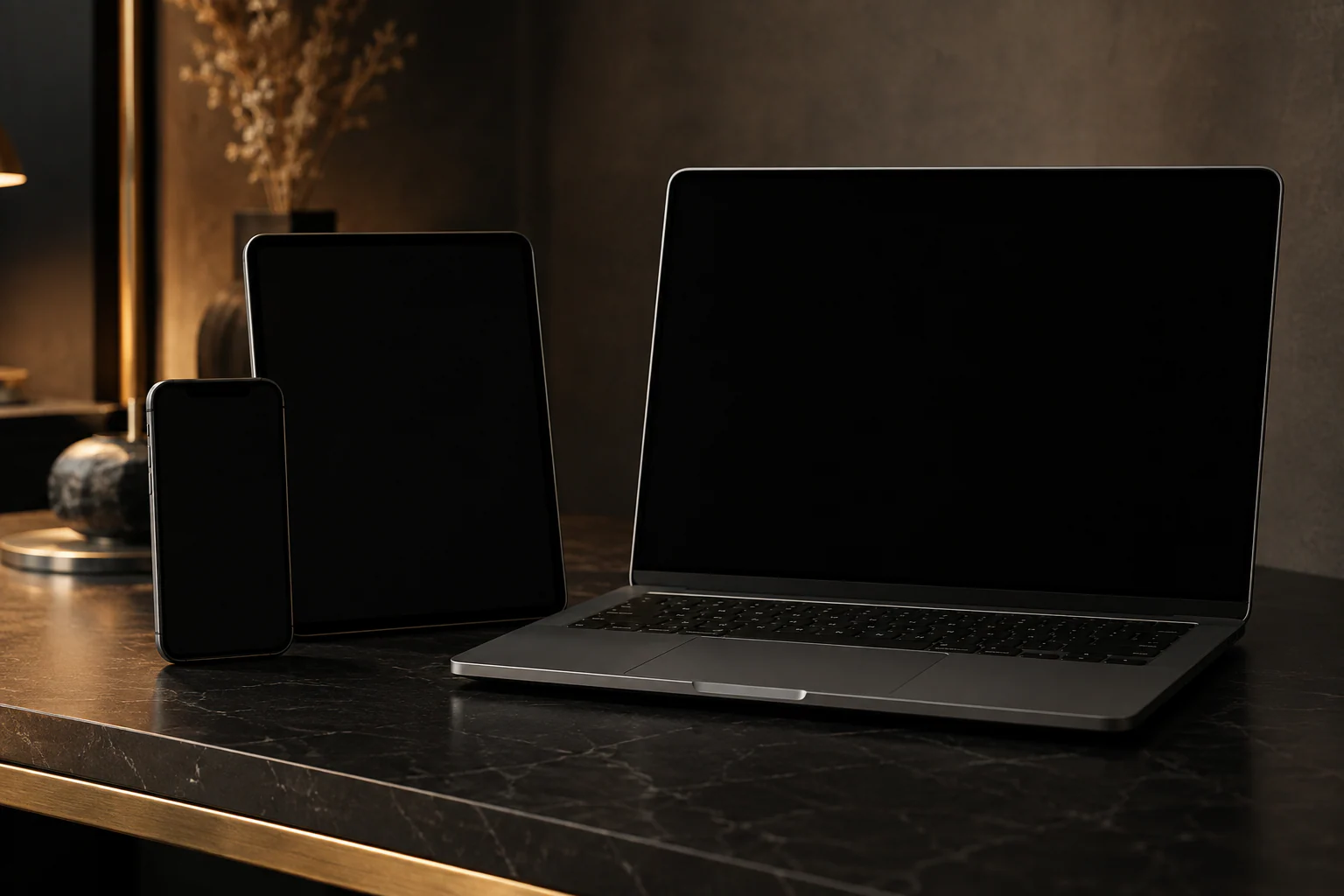
Connect installs on desktop, iPhone, iPad and Android with a standalone interface, push notifications and controlled updates.

Available in the MVPMeasurable architecture, not blanket promises
01PWAInstallable
02PushDevice-specific alerts
03SafeOffline boundary
04SignedUpdate verification
01

One interface for every screen

Desktop uses three information columns, tablet reduces deliberately and mobile becomes a focused single-column app with safe-area support.

  • Desktop-first workspace
  • Mobile bottom navigation
  • iOS safe areas and keyboard handling
02

Install without an app store

Supported browsers install Connect directly. iOS receives a specific home-screen guide while desktop and Android use their native install prompt.

  • Web App Manifest
  • Maskable icons
  • Standalone display mode
03

Push with limited disclosure

Subscriptions belong to a user and device. Message previews are disabled by default so the lock screen does not become a plaintext channel.

  • VAPID web push
  • Per-device deactivation
  • Push self-test
04

Offline does not mean unsafe caching

The shell has a safe offline page. Messages and API responses are not indiscriminately cached; local history uses dedicated encryption.

  • No API cache trap
  • Encrypted local history
  • Signed update activation
All capabilities

Installable PWA for iOS, Android and desktop / Capability matrix

01

iOS

Safe areas, standalone mode and push for installed PWAs.

02

Android

Install prompt, push and app-shell integration.

03

Desktop

Dedicated window and productive multi-column view.

04

Updates

Expose and deliberately activate new versions.

05

Badges

Show unread state on supported devices.

06

Offline

Clear failure boundaries instead of stale data.

Installable does not mean that browser and security boundaries disappear.

VENTEX PWA principle

Next chapterAbout VENTEX Security & Intelligence
VENTEX CONNECT / CONTROLLED ACCESS

Connect on every device.

Open, sign in and install it as a standalone app.

Open Connect